

Rules
Teen Social Media Safety: How to Check What the Algorithm Sends Your Kid
How to audit the recommendation feed on a teen's phone: read what the algorithm serves, reject items, reset the history and recheck the settings two weeks later.
What to take away
- The recommendation feed is where the algorithm shows its work. You can read it in about 30 minutes with the teen beside you.
- Every major app offers two toolsa way to reject one item and a way to reset the whole recommendation history.
- Reject items first, then reset. That order gives the new session cleaner inputs.
- Write the agreed settings on one page with a review date two weeks out.
- Location sharing is a separate audit from the feed, with its own schedule.
Start with the recommendations, not the follower list
Most parents scroll the follower list first. That list shows who the teen knows. The feed shows what the app has chosen to teach.
Ask for the phone for one sitting. Do not comment on the videos while you scroll. Count topics instead and write them down.
A pattern usually appears in the first ten items. Anger bait, body comparison and spending pressure arrive early when an app has been left alone for months.
Blocking one account rarely changes much, because the audience keeps the app interesting. Our guide on what drives teen social use explains why audience beats content and why deleting an app removes a channel but not the pull.
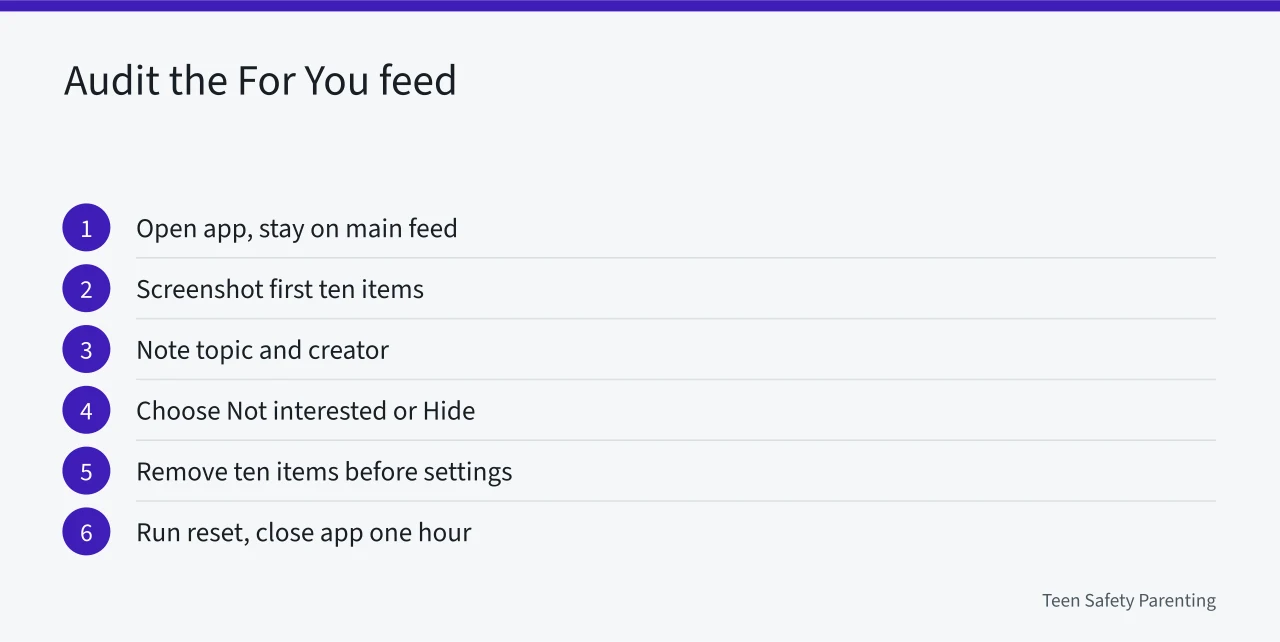
How to audit the For You feed in one sitting
- Open the app and stay on the main feed. Avoid the search bar, because searches steer the next session.
- Screenshot the first ten items. Note the topic and the creator, not the caption.
- Open the menu on each item you both agree is junk. Choose Not interested, Hide, or Do not recommend this channel.
- Remove at least ten items before you touch a setting.
- Find the reset control in settings and run it. Close the app for an hour afterward.
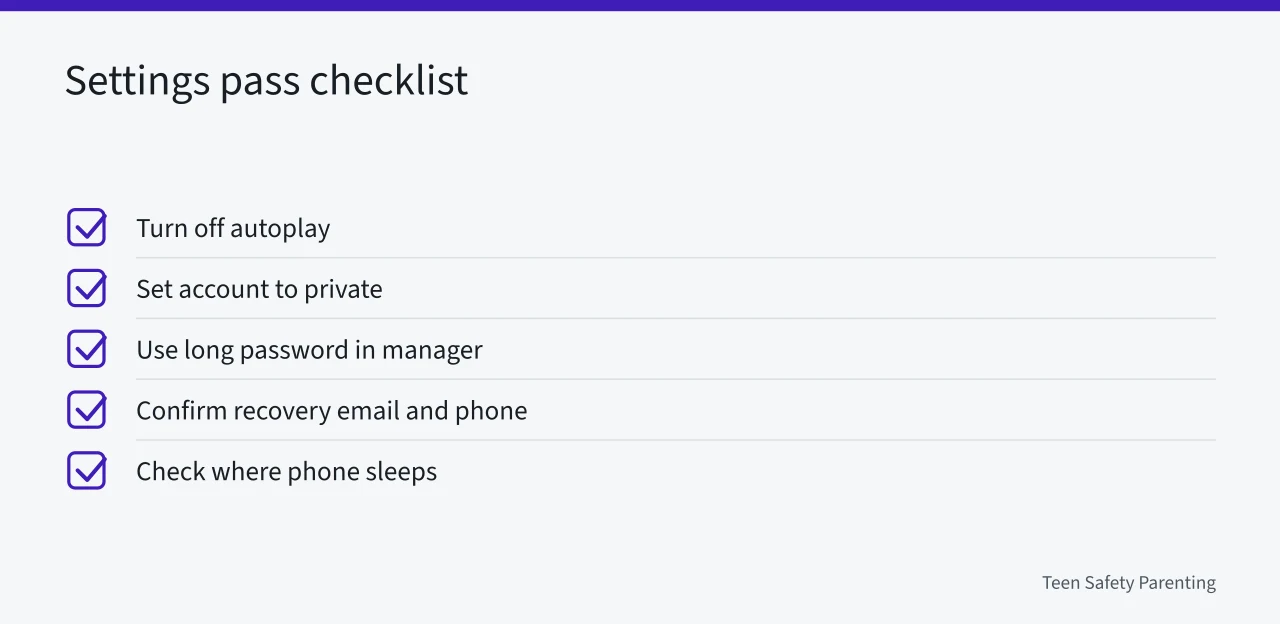
A checklist for the settings pass
- Turn off autoplay so a session does not run past the point your teen would stop.
- Set the account to private. Review who can comment, tag and send messages.
- Replace a short password with a long one and store it in a password manager. The NIST digital identity guidelines treat length as a main defense.
- Confirm the recovery email and phone number, since a reset link goes to the older address.
- Check where the phone sleeps at night. Late sessions feed the next morning's suggestions.
Recommendation controls by app
| App | Control | What it changes |
|---|---|---|
| TikTok | Refresh your For You feed, under Content preferences | Clears the recommendation history |
| Reset suggested content, under Suggested content | Restarts Reels and Explore suggestions | |
| YouTube | Clear watch history, plus Do not recommend channel | Changes what the home feed offers next |
| Snapchat | Snap Map location settings, handled separately | Controls who sees location, not the feed |
Snap Map is not a feed problem, so it earns its own session. To audit Snap Map location sharing takes five stages: one 45 minute sitting, a two week check and a 10 minute monthly re-read with the date written down.
Example: two weeks after a reset
A parent and a 15 year old remove a dozen items, reset the feed, and write the date on the fridge.
The first three days still bring a few old themes. The app has months of signals to work through.
By the second week the feed leans toward cooking clips and a school sport. The teen notices the shift before the parent does.
That shift is a clue about audience. When a feed refills with the same themes, audience rather than content is usually the reason.
School rules, age rules and local groups
Some exposure happens on school time. Ontario restricts cellphones in schools, which changes when a feed gets opened at all.
In the United States, the COPPA Rule covers services directed to children under 13 and sets parental consent duties for operators. The FTC children's privacy guidance explains what those duties require.
Local pressure matters too. A rundown of how Austin parent groups organize covers district policy, city health programs and the first steps toward starting a group.
The parent teen social media agreement
Keep it to one page. List the apps, the settings you changed together, the review date, and what happens if the feed drifts.
Add a line about location. Location sharing audits run on their own schedule and belong on the same page.