Guides
Your teen's school laptop: filters, monitoring, alerts
Filtering, monitoring and alerting tools on school-issued devices do different jobs: the named products, and what parents should ask before a laptop goes home.
What to take away
- Filtering, monitoring and alerting are three different products, and filtering versus alerting tools fail in different ways and cost students different things.
- Lightspeed Systems, GoGuardian, Linewize, ContentKeeper and Securly all sell filtering. Several sell alerting on the same contract.
- A filter over-blocks and under-blocks at once. The students who lose most are the ones researching health, identity or difficult subjects.
- Alerting is a safeguarding product. The alert has to reach a named person with safeguarding responsibility, not an IT queue.
- Gaggle, Bark, GoGuardian Beacon and Lightspeed Alert flag student writing. Judge them on the response process, not the detection rate.
- Ask whether any of it follows the device home, and what it does not reach at all.
Three kinds of software can sit on a school-issued laptop: filtering, monitoring and alerting. They do different jobs, they fail in different ways, and they cost students different things. Parents are rarely told which of the three the school runs, or what it does once the device goes home.
What it means for your teen
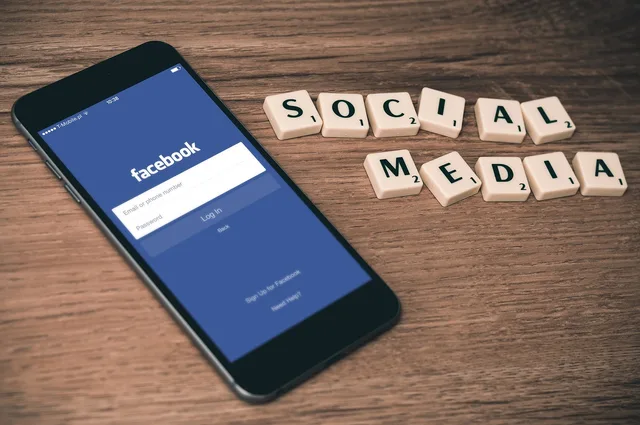
A filter decides what a school device can reach. That includes whether social media is blocked on the school network and whether the block follows the device home. Ask, because the answer is local policy, not a national rule.
An alerting tool reads what a student writes — school email, documents, search terms — and flags language the school has decided to worry about, such as a message about self-harm or violence. A person is supposed to read the flag and decide what happens next.
Nothing here reaches the phone in your teen's pocket. A personal phone on home Wi-Fi sits outside the school's filter and outside its alerting, unless the school has installed its own software on that phone.
Filtering products, by name
Lightspeed Systems sells Lightspeed Filter and Lightspeed Alert, often bundled. Filtering runs on the network and on school devices, including devices taken home. It suits districts that want one vendor for filtering and alerting. Pricing is quoted per student per year through a reseller, not published.
GoGuardian sells GoGuardian Admin for filtering and GoGuardian Beacon for alerting. It works mostly on Chromebooks and Google Workspace. It suits schools already standardized on Chromebooks, because deployment is the easy part. Pricing is quoted per device per year.
Linewize, part of Family Zone, sells filtering plus a parent-facing app. The app reports a child's school-device activity to the household. It suits schools that want families in the loop by default. Pricing is per student per year, quoted.
ContentKeeper sells filtering and reporting. It has a long history in K-12 and a heavier on-premises option than most rivals. It suits districts with their own network staff and data-residency requirements. Pricing is quoted.
Securly sells filtering, alerting and a parent portal. It is widely used in smaller districts. It suits schools that want one login for all three. Pricing is per student per year, quoted.
The FCC's guide to the Children's Internet Protection Act explains why filtering is often a funding condition rather than a local choice. That is one country's scheme, not a statement about your school.
Monitoring products, by name
Lightspeed Classroom Management and GoGuardian Teacher show a teacher the open tabs in a room. That is monitoring for instruction, not for discipline. Securly Classroom does the same job inside the Securly suite.
Impero and NetSupport DNA record activity across a school's devices, including devices taken home. They keep keyword and screenshot logs. Both suit schools that need a record for safeguarding or disciplinary purposes. Both are quoted per device.
The same tool usually serves network security, safeguarding and discipline unless somebody separates them on purpose. Decide which of the three you are buying before the demo.
Alerting products, by name
Gaggle scans school-issued accounts and student writing. It routes flagged items to a district's own response team, with its own staff available overnight. It suits districts that want a human safety team behind the software. Pricing is quoted per student per year.
Bark for Schools scans school accounts and offers a parent-facing version for home devices. It suits districts that want the same vendor in both places. It is free for eligible public schools in the United States. Otherwise pricing is quoted.
GoGuardian Beacon and Lightspeed Alert are alerting modules inside suites a school may already run. They suit districts that would rather not add a vendor. They are priced with the parent contract.
Securly Alert and Linewize Alert sit in the same position for their suites.
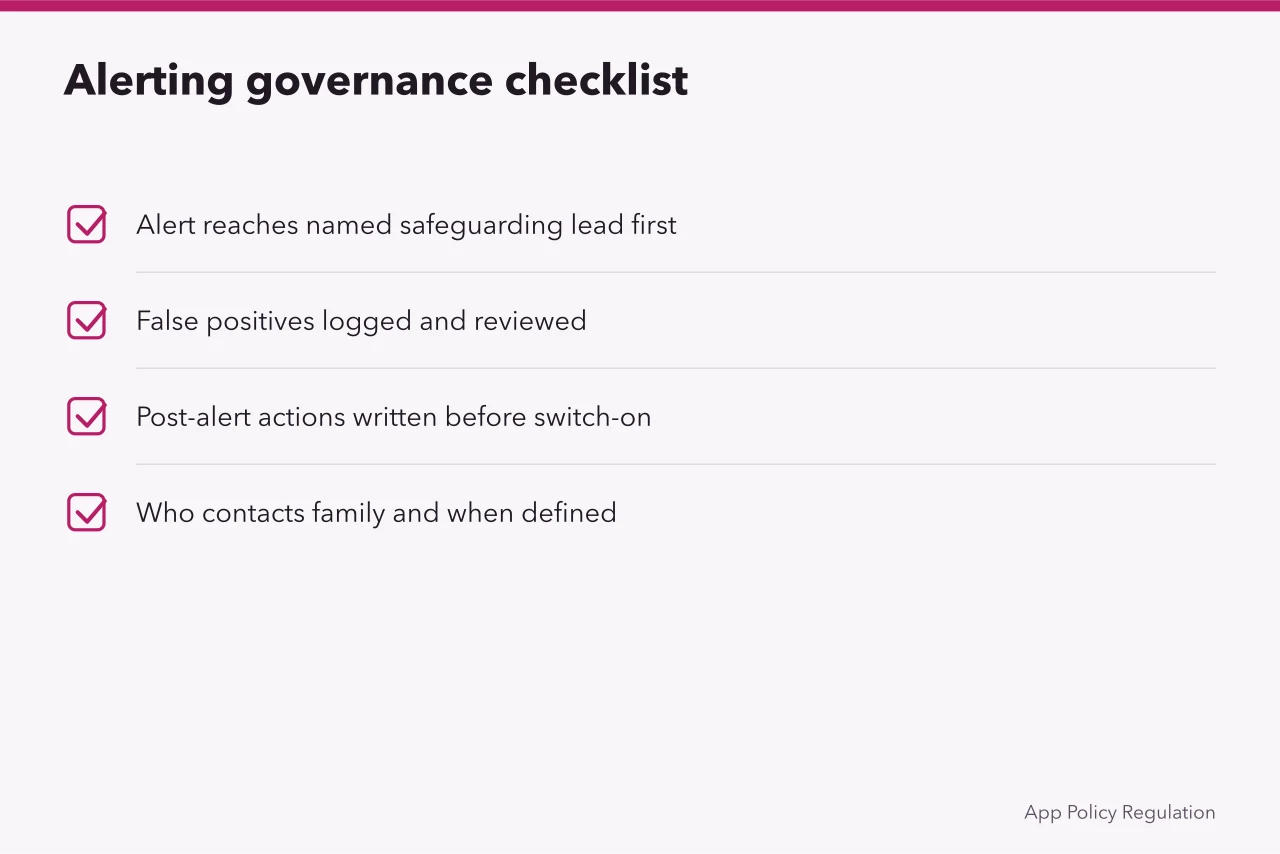
Four properties to insist on, whichever of these your school runs.
- The alert reaches a person with safeguarding responsibility first, not a general administrator group.
- False positives are expected, logged and reviewed. A system with no false-positive record is one nobody is checking.
- What happens after an alert is written down before the tool is switched on, including who contacts the family and when.
- The vendor states where alerts are reviewed and by whom, because some route them to their own staff.
The harm from getting this wrong is not a data breach. It is a student who learns that writing honestly about a difficult subject produces a meeting, and who stops writing honestly.
What filtering cannot do
A filter cannot read context. A health resource, a piece of journalism and material a school genuinely wants blocked can share the features a filter uses. Every filter therefore over-blocks material students need and under-blocks material it was bought to stop. Adjusting one direction moves the other.
The costs land unevenly. Students researching health, identity or difficult subjects are blocked most. They are often the students for whom the resource mattered most. Staff lose lesson time. The school loses the chance to teach judgment about material rather than absence of it.
The UK Department for Education publishes guidance on teaching online safety in schools that treats this as a curriculum question rather than a filtering one. That framing travels even though the requirements do not.
Questions that matter more than features
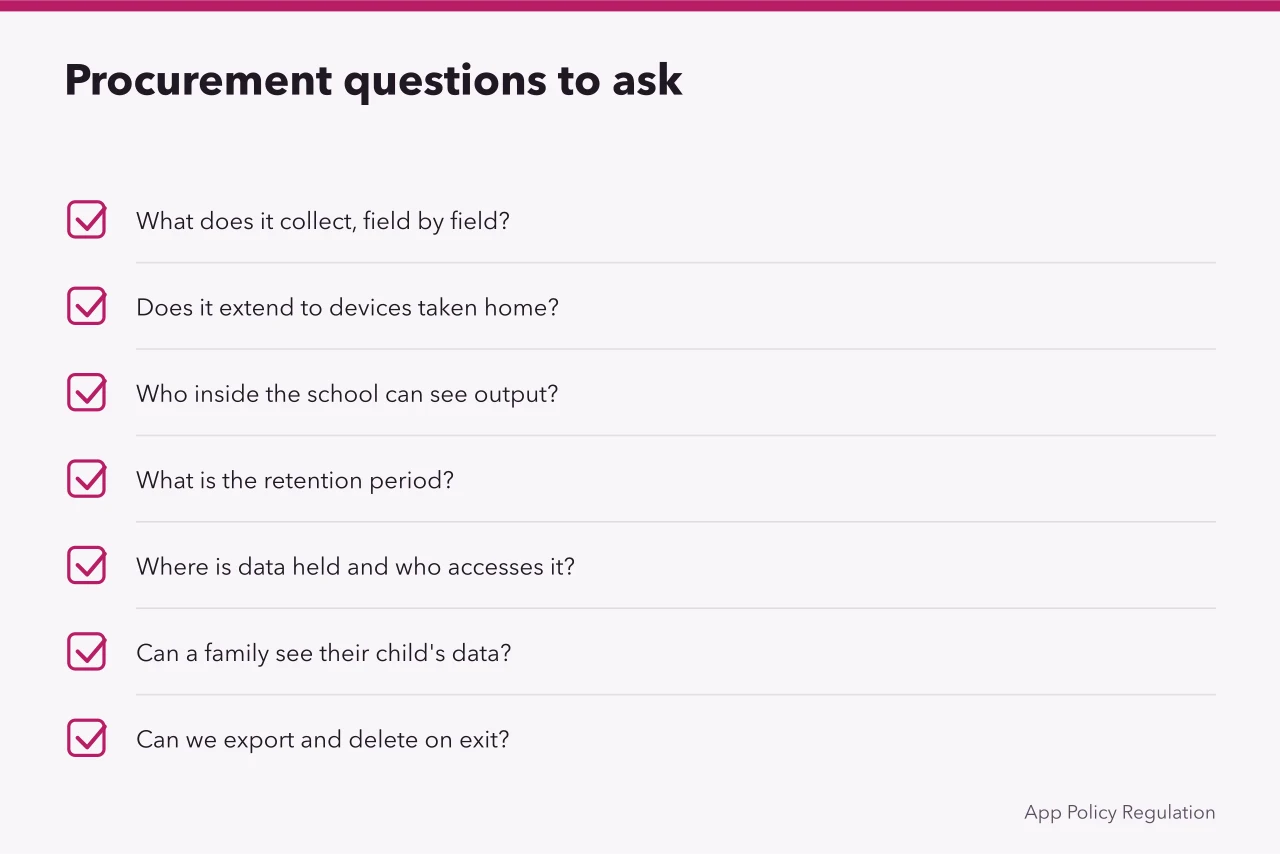
| Question | Why it matters |
|---|---|
| What does it collect, field by field? | Feature lists are not data descriptions |
| Does it extend to devices taken home? | Families assume no and it is frequently yes |
| Who inside the school can see the output? | Access sprawl is the default |
| What is the retention period, and can we set it? | Indefinite by default is common |
| Where is the data held, and who else can access it? | The answer belongs in the agreement, not the sales deck |
| Can a family see what is held about their child? | Rules differ, and the tool has to support whatever applies |
| Can we export and delete everything on exit? | Contracts end; records should not persist by accident |
| What does the vendor claim about our legal position? | Compliance claims about your school are not the vendor's to make |
The last row is where most trouble starts. A vendor asserting that a product makes a school compliant is asserting a conclusion about the school. That conclusion belongs to whoever advises the school legally, in the jurisdiction where it operates.
The agreement nobody reads
Vendor and data agreements govern what a third-party tool may collect about students and what the school agreed to when it adopted the tool. Families almost never see them. They are the only place some questions can be answered. Read them before adoption, keep a copy, and record who approved each tool and when.
Where a national framework governs student records, its own body usually publishes plain guidance. In the United States, FERPA — the Family Educational Rights and Privacy Act — governs education records, and COPPA — the Children's Online Privacy Protection Act — limits what online services may collect from young children. The US Department of Education's answers to common questions about education records is one example, describing one country's rules.
What to ask before the device goes home
- Ask what is switched on, on which devices, and who sees it. Most schools have never written this down for families, and it does not match what staff believe.
- Ask for the three routesthe unblock route, the alert route and the review route, and who owns each one.
- Ask whether social mediaInstagram, TikTok, Snapchat — is blocked on the school network and on the device, and what the filter does once the laptop is at home.
- Ask what the software does that a written routea policy and a person — would not.
If the accounts belong to a service rather than the school, none of this reaches them. The school is limited to what that service's process allows, and so are you.
The overlapping age rules those services apply are a separate layer, and often misunderstood.
Common questions
Can a filter replace teaching?
No, and treating it as though it can is the most expensive mistake in this category. Filtering limits exposure on one network. Judgment travels with the student everywhere else.
Should monitoring extend to devices at home?
It is a decision with real costs on both sides. Whatever you decide has to be described plainly to families before the device goes home. The failure mode is not the monitoring. It is families discovering it later.
How do we evaluate an alerting product fairly?
With the safeguarding lead, on the question of what happens after an alert rather than on detection accuracy. The response process determines whether the tool helps or harms.